PNG vs JPG vs WebP: Which Image Format Should You Use?
Three formats, one decision. The useful question is not which is "best" but what kind of image you have — because PNG and JPEG were designed for pictures with almost opposite properties.
Why three formats exist at all
It would be convenient if one image format were simply better than the others. The reason none is comes down to a single fact: the two main kinds of picture people work with have almost opposite statistical properties, and a compression scheme tuned for one is actively bad at the other.
A screenshot is mostly flat colour with hard boundaries. Thousands of pixels in a row are the exact same shade, then the value changes abruptly at the edge of a letter or a button. A photograph is the reverse: almost no two adjacent pixels are identical, but the differences are tiny and gradual, and fine texture is everywhere.
PNG was designed for the first case, JPEG for the second. WebP is a later format that offers modes aimed at both. Everything else in this guide follows from that split.
How lossless compression works, in one paragraph
PNG is lossless, which means the decoded image is bit-for-bit identical to what went in. It gets its savings by describing the image more efficiently rather than by throwing anything away. It predicts each pixel from its neighbours — usually the one to the left or above — and stores only the difference. In a flat region those differences are all zero, and long runs of zeros compress to almost nothing. Save a PNG a hundred times and the hundredth is identical to the first.
The catch is that prediction fails on photographs. Natural texture means the difference from the neighbouring pixel is small but never zero and never quite predictable, so there is very little redundancy to squeeze out. This is why PNG photographs are so large: the format is doing its job correctly, on the wrong kind of image.
How lossy compression works, and what it costs
JPEG takes the opposite approach. Instead of describing the image exactly, it decides which visual information you are least likely to miss and discards it permanently. It works on small blocks of the image, converts each one from a grid of pixel values into a description of the patterns present — broad tonal shifts on one end, fine detail on the other — and then stores the fine-detail components more coarsely than the broad ones. Human vision is far more sensitive to overall shape and brightness than to the finest texture, so a great deal can go before anyone notices.
That word permanently is the important one. The discarded detail is not compressed; it is gone. Opening the file and saving it as PNG afterwards preserves what is left with perfect fidelity, but it cannot bring back what was already thrown away. Why JPEG images lose quality covers this pipeline in more depth, including what the artefacts look like and why they appear where they do.
The content decides the format, not the quality you want
Most format advice gets framed as a quality question — "use PNG when quality matters" — which is misleading. Both formats can look perfect or terrible. The useful question is what kind of image you have.
| If your image is… | Use | Because |
|---|---|---|
| A screenshot, UI capture, or diagram | PNG or lossless WebP | Flat areas compress extremely well and text stays crisp |
| A logo or icon, especially with transparency | PNG or WebP | Sharp edges survive intact and alpha is supported |
| A photograph | JPG or WebP | Lossy compression hides its losses in natural texture |
| A photo with text overlaid on it | JPG or WebP at higher quality | The text is the part that will degrade first — give it headroom |
| A scan of a printed page | Usually JPG | Paper texture and lighting variation behave like a photograph |
An example makes the size difference concrete without needing any numbers: picture a 1,920-pixel-wide screenshot of a mostly white document. PNG stores that as a handful of long runs and a small amount of edge detail. Now picture a 1,920-pixel-wide photograph of a forest. Every pixel differs from its neighbour, so PNG has almost nothing to exploit and stores something close to the raw pixel data. Same dimensions, wildly different outcomes — and the same logic runs in reverse for JPEG.
Transparency: the constraint that overrides everything else
JPEG has no alpha channel. Not a limited one — none at all. If your image needs any part of it to be see-through, JPEG is out, regardless of what the content looks like.
PNG supports full 8-bit alpha, meaning each pixel can be anything from fully opaque to fully transparent, with 254 steps in between. That is what makes soft shadows and anti-aliased curves look clean over any background. GIF, by comparison, offers only one-bit transparency — a pixel is either fully visible or fully invisible — which is why old GIF logos show jagged fringes when placed on a background they were not prepared for. WebP supports full alpha as well.
When you convert a transparent image to JPG, something has to fill the transparent pixels. The Workbench Image Converter fills them with white. That is often exactly what you want for a document or a printed page, but it is a one-way decision: the alpha information is not recoverable from the JPG afterwards.
Colour, text, and why sharp edges are the weak point
JPEG encoders commonly store colour information at lower resolution than brightness information, because the eye is much less sensitive to fine colour detail than to fine brightness detail. The technique is called chroma subsampling, and it is usual rather than mandatory — an encoder can keep colour at full resolution instead. Where it is applied, the cost is nearly free on photographs and is exactly where graphics visibly break.
The classic demonstration is saturated coloured text on a plain background — red lettering on white is the standard example. In PNG it stays crisp. In JPEG the colour boundary gets smeared across neighbouring pixels and a faint halo appears around each character. Raising the quality setting reduces it, and an encoder that keeps colour at full resolution avoids that particular cause, but the safer answer for text is not to use JPEG at all.
This is the practical reason the format advice above is not fussiness. It is not that screenshots "deserve" better treatment; it is that the specific thing JPEG discards happens to be the thing screenshots are made of.
Where WebP fits
WebP is a more recent format that defines both a lossy mode and a lossless mode, along with alpha support in both. In practice it usually produces smaller files than JPEG at comparable visual quality, and smaller files than PNG for many graphics — which is why it has become common for web images.
Two caveats are worth knowing. First, which mode you actually get depends on the encoder you are using; a tool exposing a quality slider is generally driving the lossy path. In the Workbench converter, WebP output comes from your browser's own encoder, so at quality settings below 1.0 you should treat the result as lossy, and behaviour at the maximum setting can vary between browsers. Second, support for encoding WebP is not as universal as support for displaying it, so a browser that shows WebP images perfectly well may still be unable to produce one.
If you are choosing a format for a website, WebP is a reasonable default for photographs and general imagery. If you are choosing a format for a file you need to hand to someone else who will open it in unknown software, JPG and PNG remain the safer currency.
Four common confusions worth clearing up
Not quite right"PNG is a higher-quality format than JPG."
PNG is lossless, which is not the same as higher quality. A PNG of a photograph and a JPG of the same photograph at a high quality setting can be visually indistinguishable, with the PNG many times larger. PNG guarantees exactness; whether that exactness is visible depends entirely on the image.
Not quite right"Converting a JPG to PNG improves it."
It preserves the current state perfectly and produces a much larger file. Every artefact already baked into the JPG is preserved perfectly too. There is no recovery step — the detail JPEG discarded is not stored anywhere.
Not quite right"WebP is always smaller."
Usually, not always. A carefully optimised PNG of a simple flat-colour graphic can beat a WebP file, and results vary by encoder. "Usually smaller at similar quality" is the honest version of the claim.
Not quite right"Changing the format is how you make an image smaller."
Format helps, but pixel dimensions usually matter more. A 4,000-pixel-wide image is carrying roughly four times as much data as the same picture at 2,000 pixels wide, whatever you encode it as. Resize first, then pick a format — see Image resolution explained for how to work out the dimensions you actually need.
Measured examples: one photo, one screenshot, one chart
These are measured results, not illustrations. Each image was exported with the Workbench Image Converter on 21 September 2026 in a Chromium 152 browser engine (the built-in browser of the Claude desktop app, on Windows 10). Other browsers use other encoders, so your numbers will differ; the pattern is what matters. All files can be downloaded so you can check them.
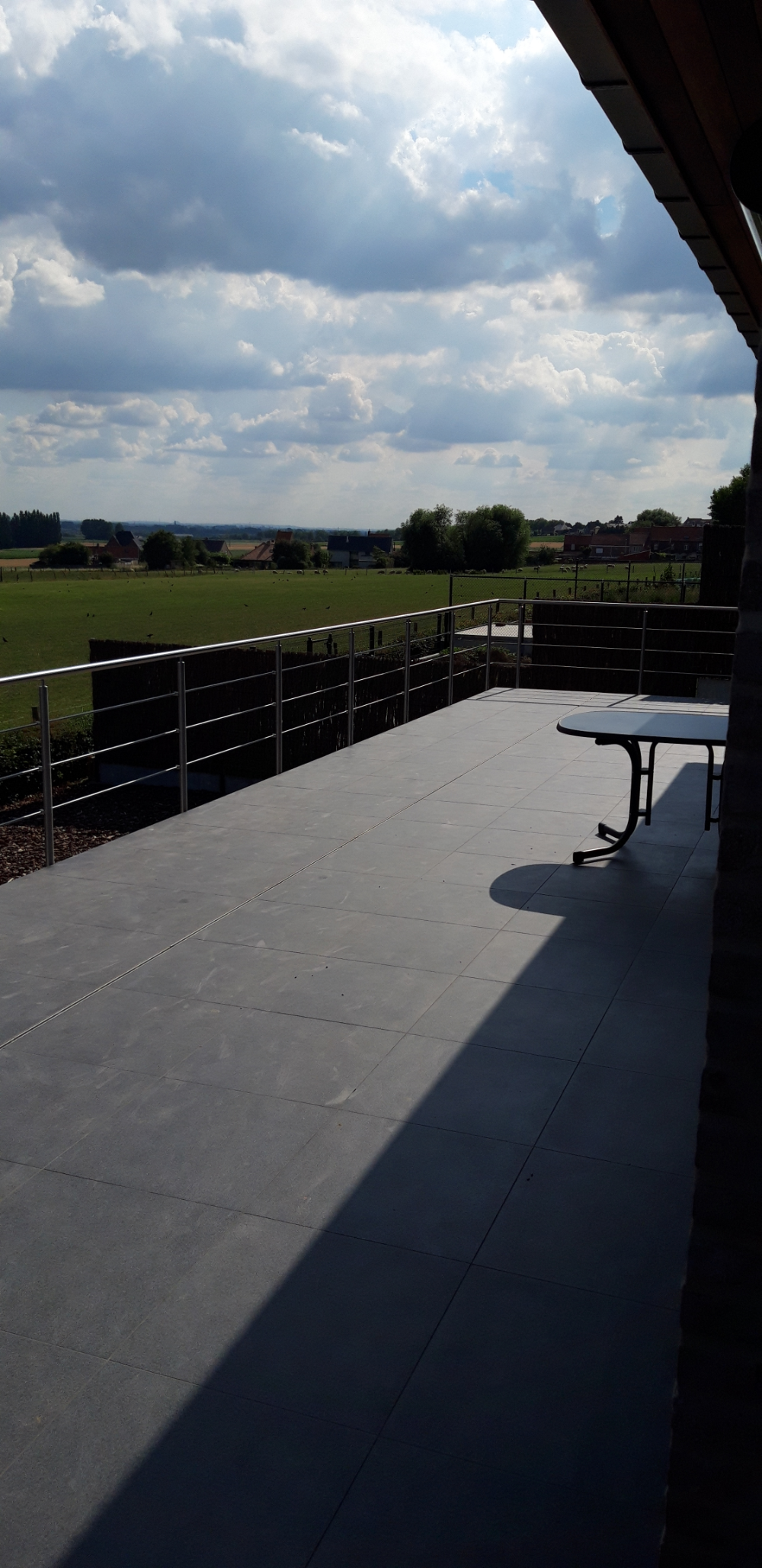
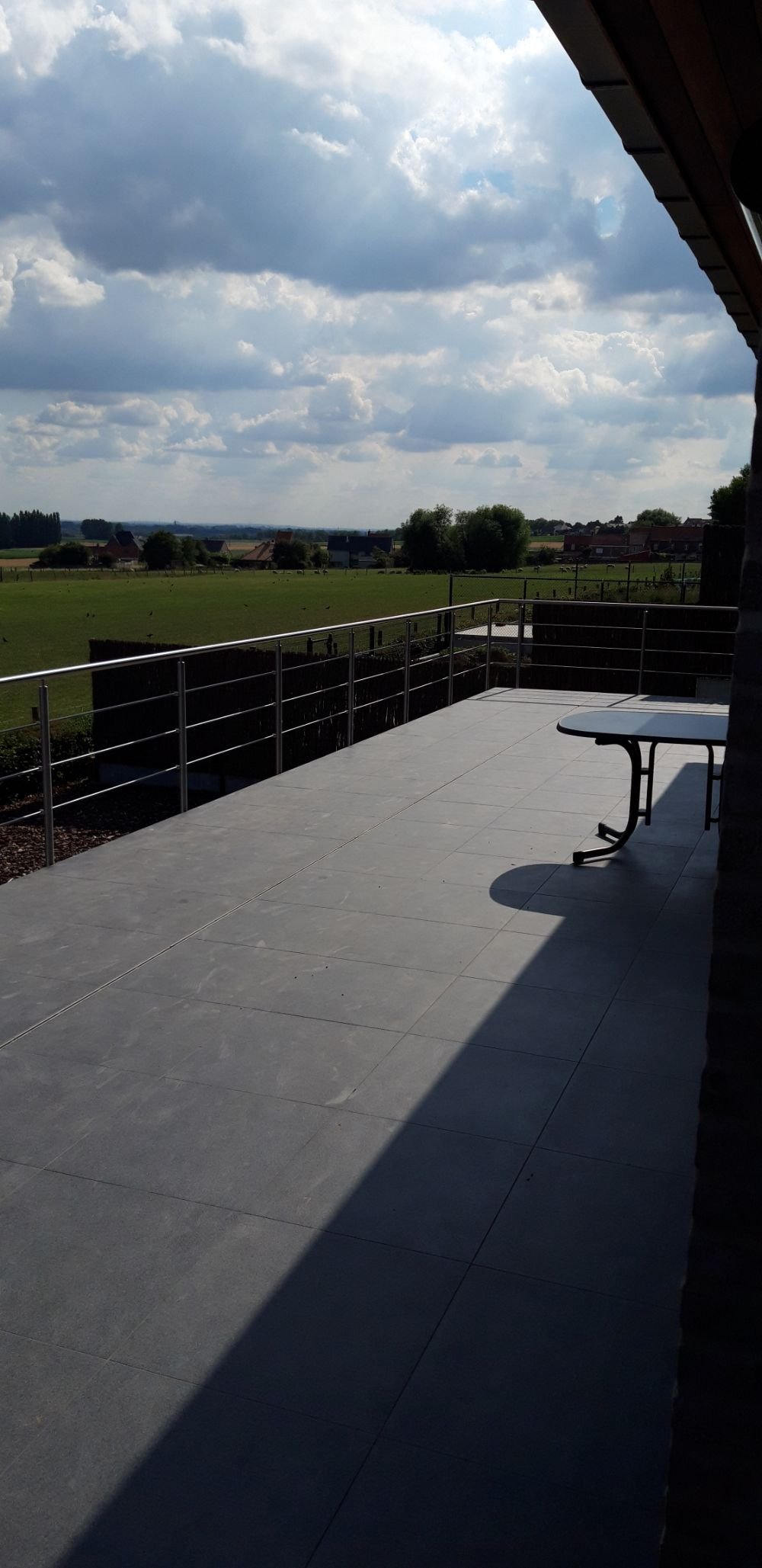
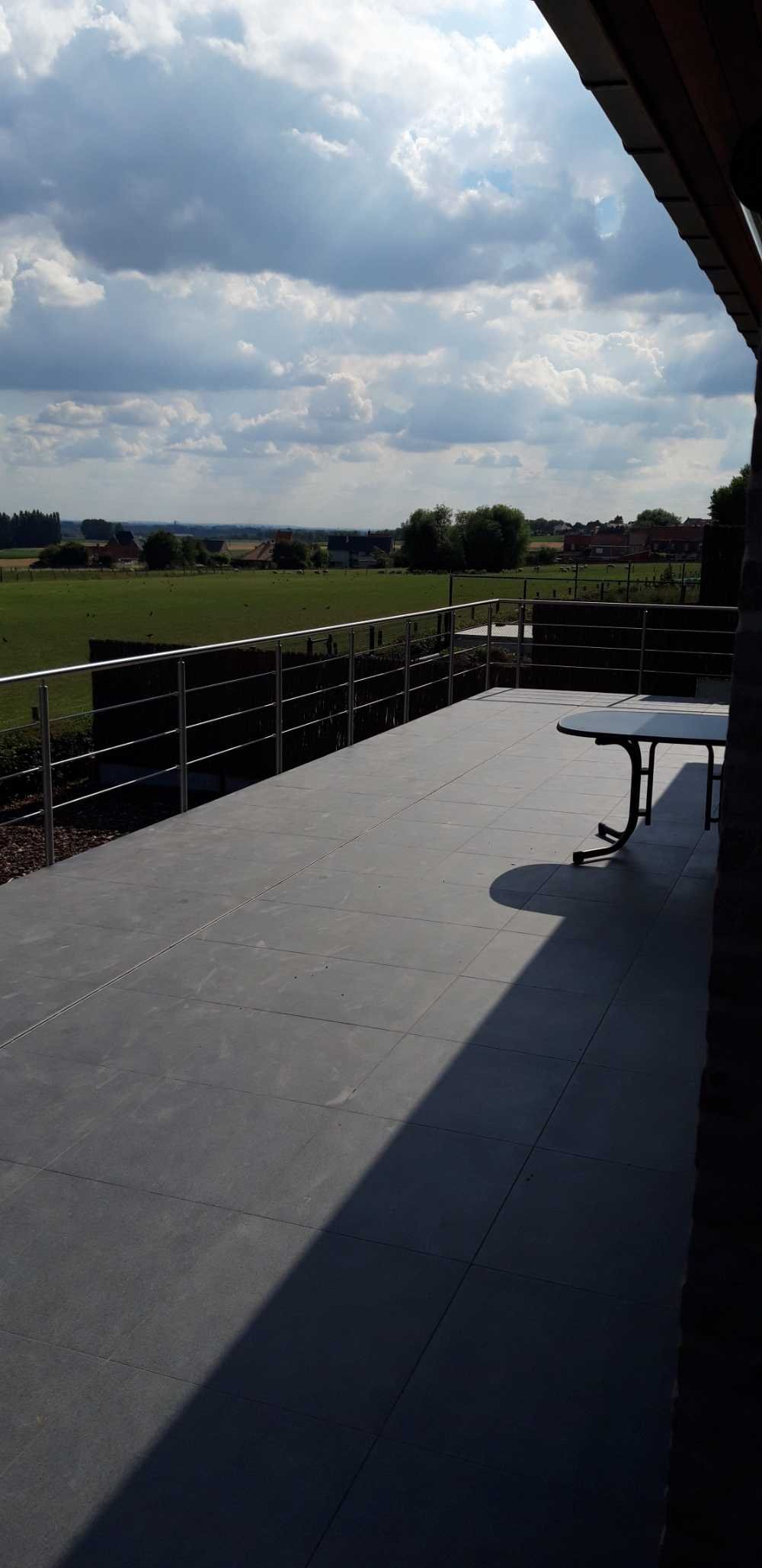
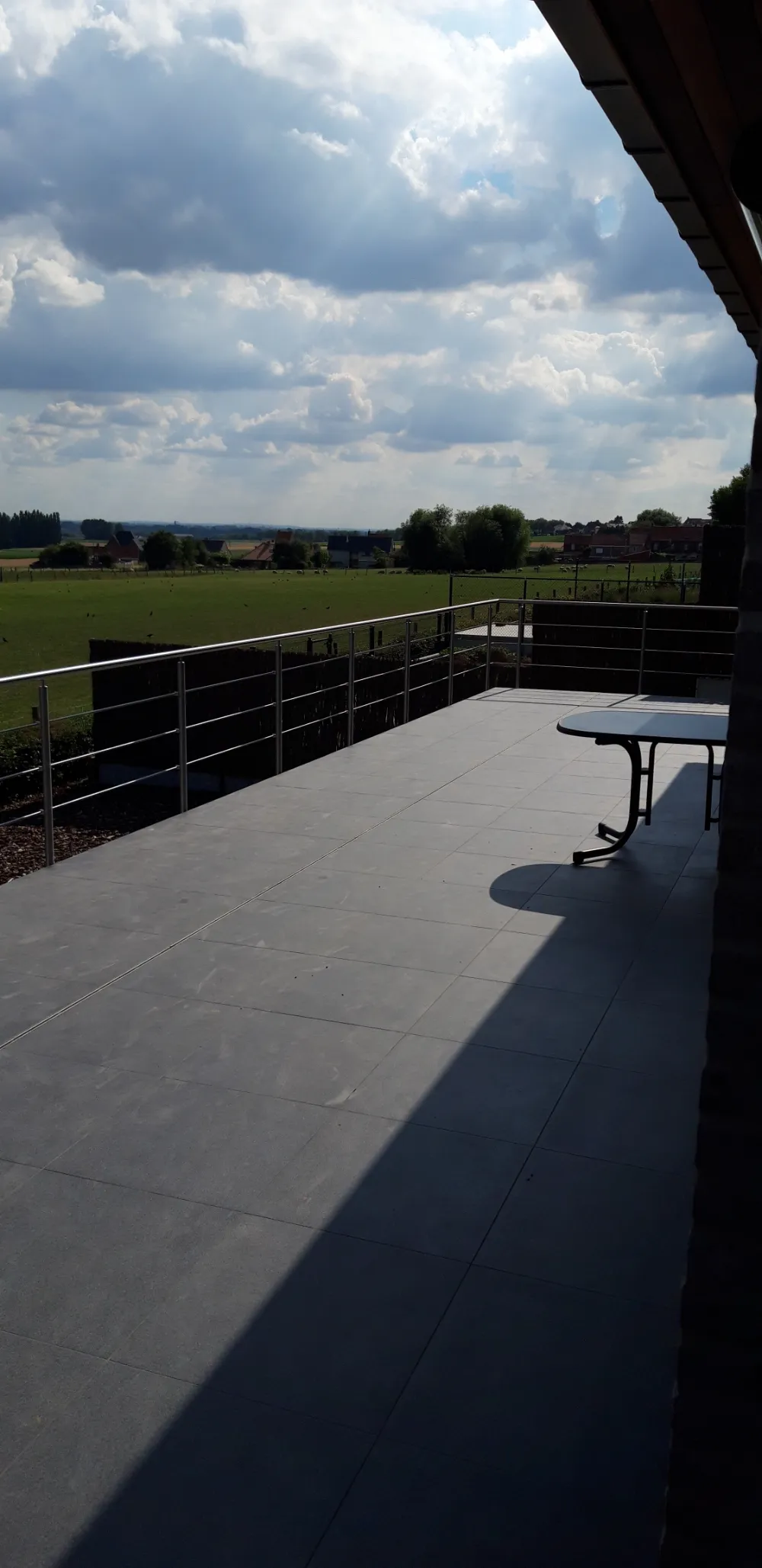
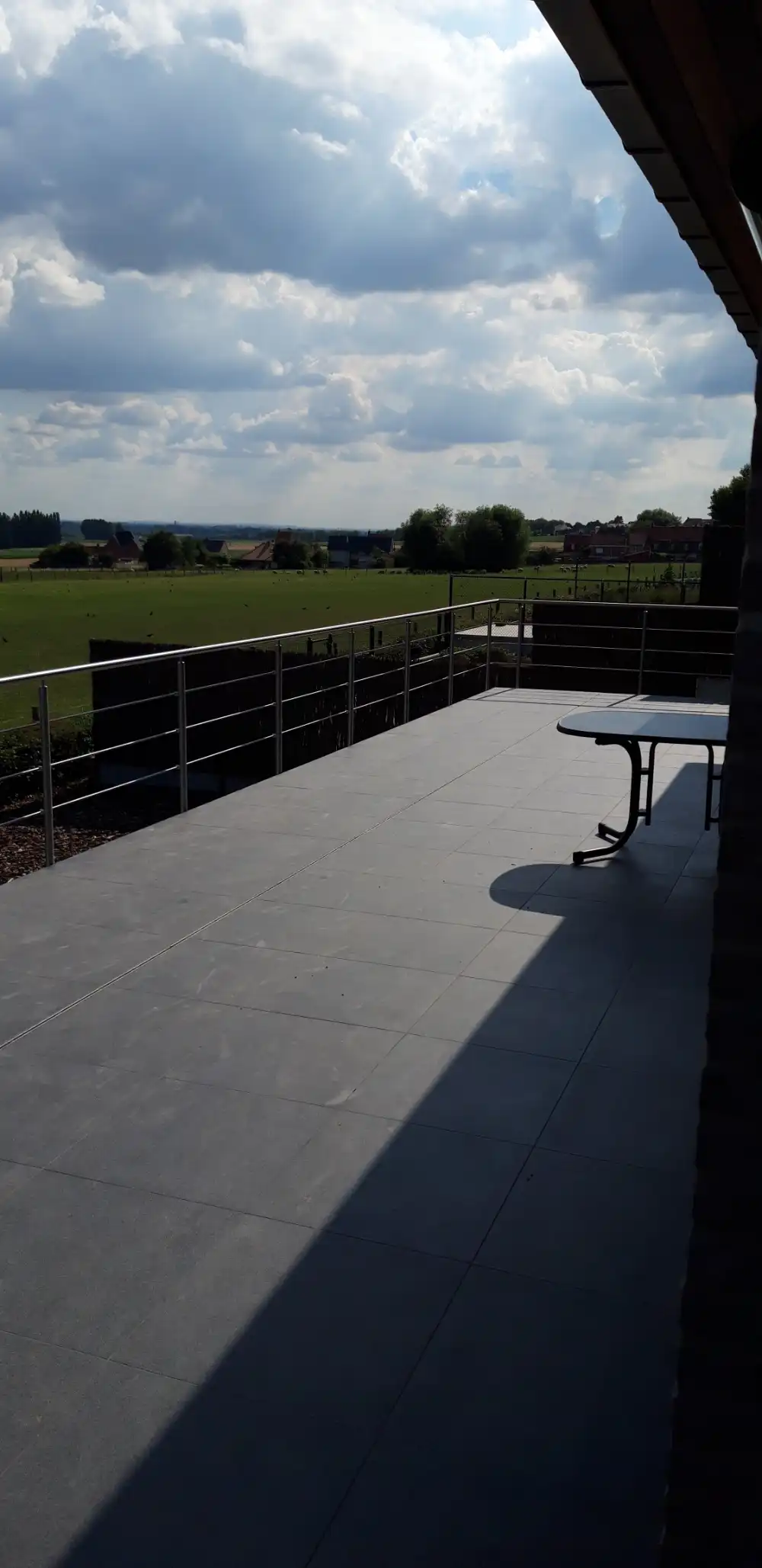
- Photograph: a phone photo of a terrace and fields, supplied by the site owner, resized in the tool to 1,000 × 2,057 pixels. Its metadata, including location, was removed by the re-encoding.
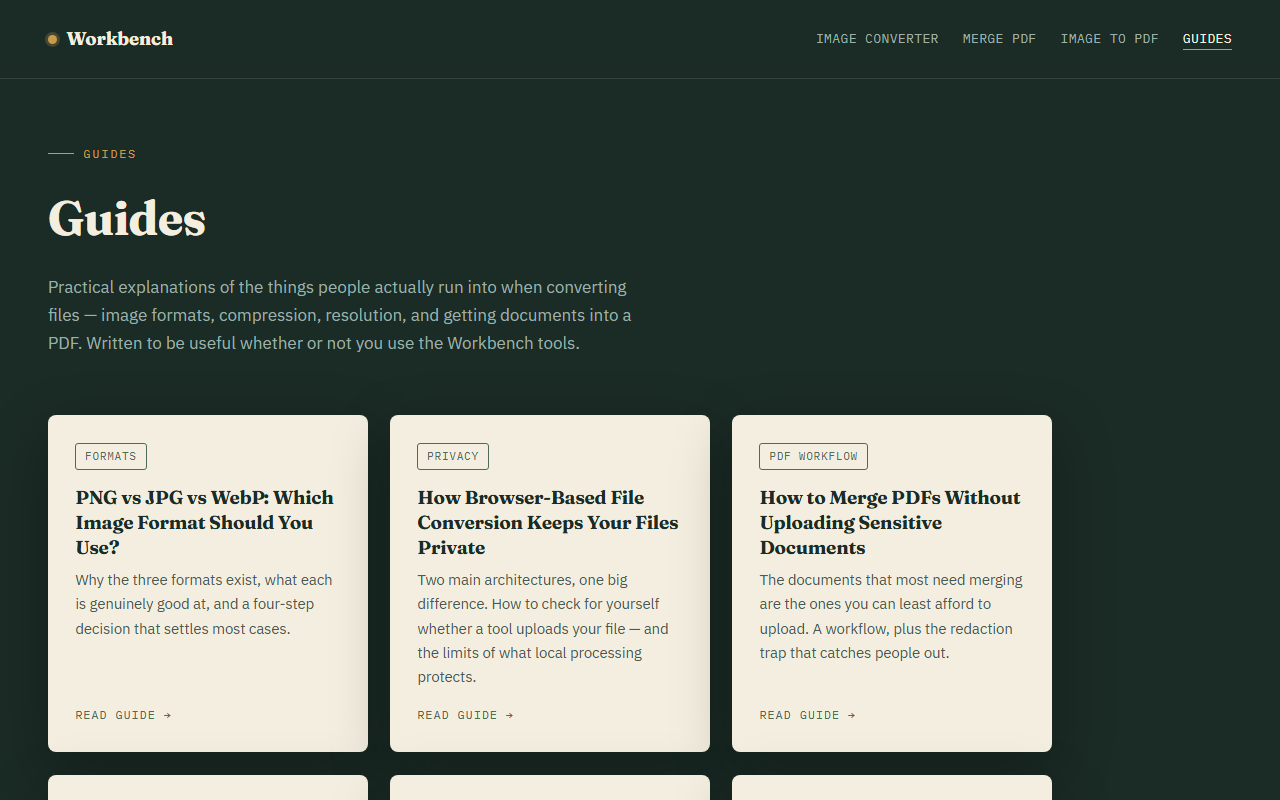
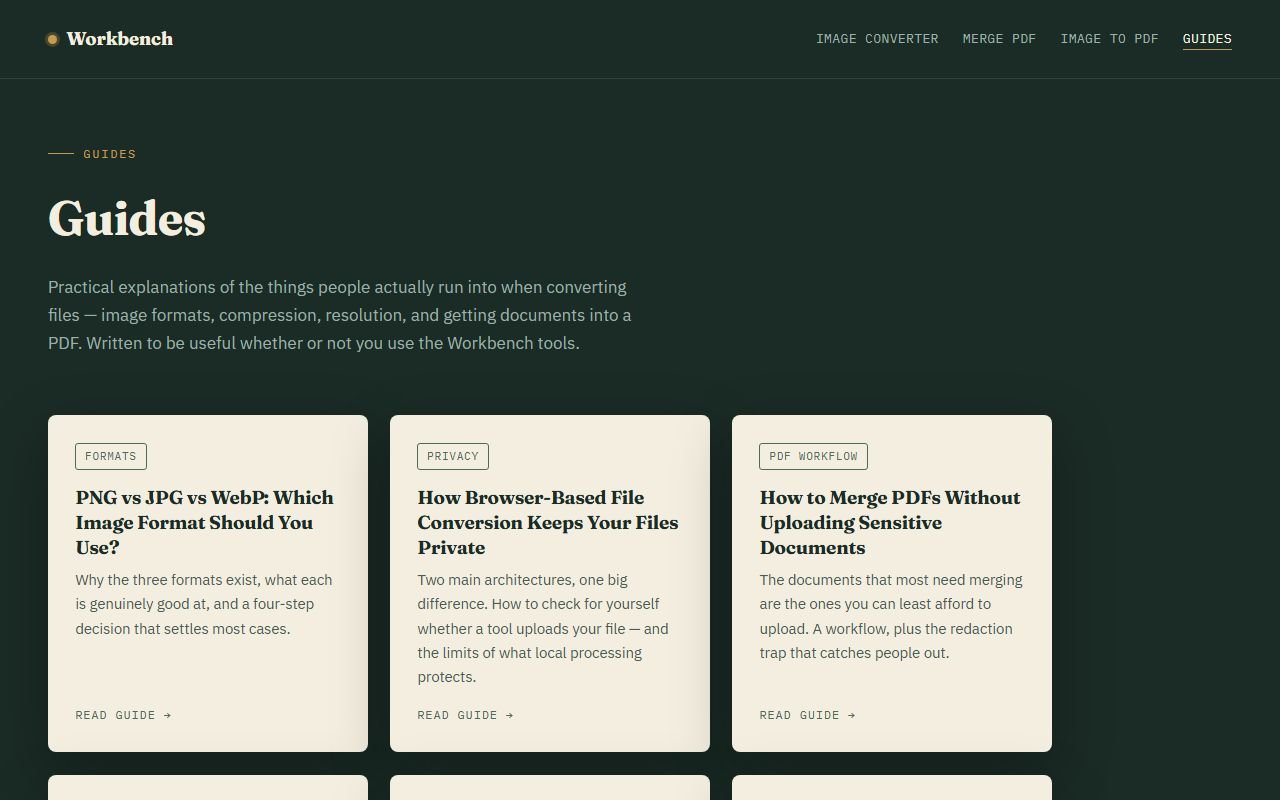
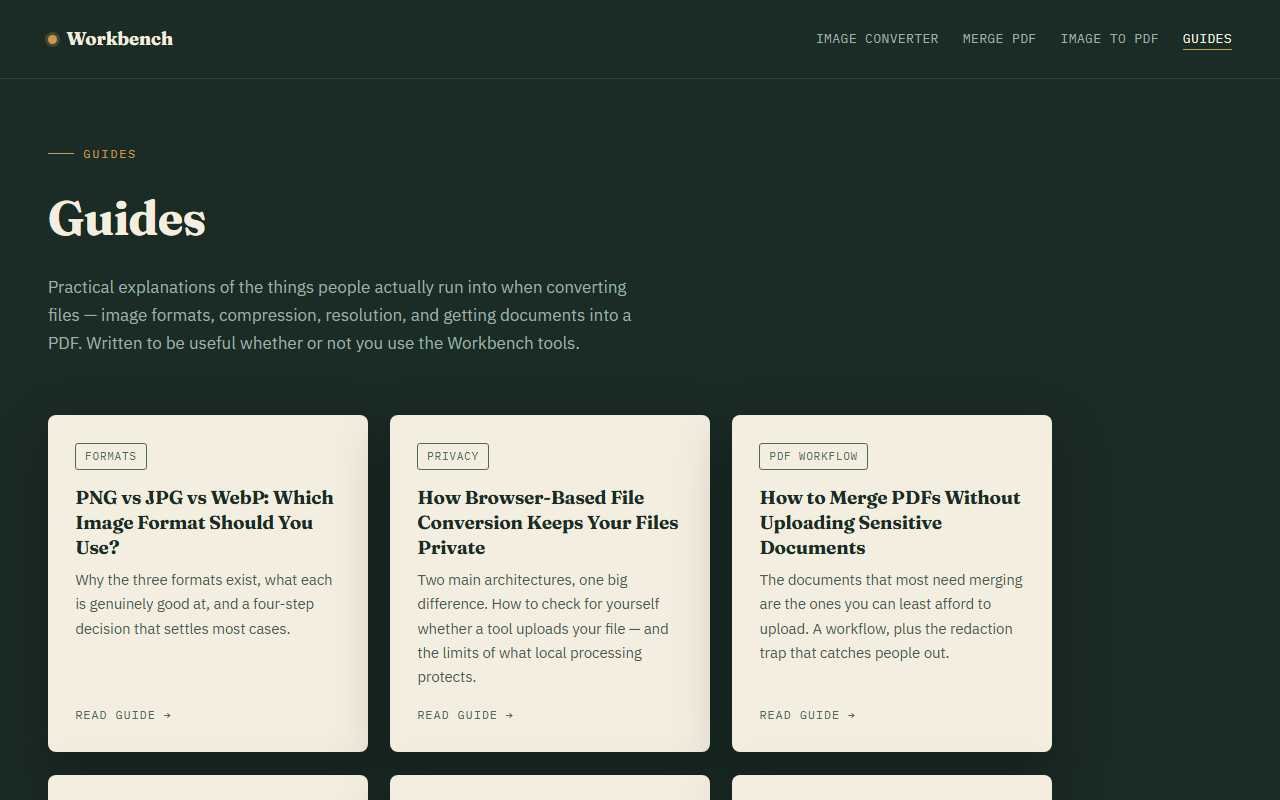
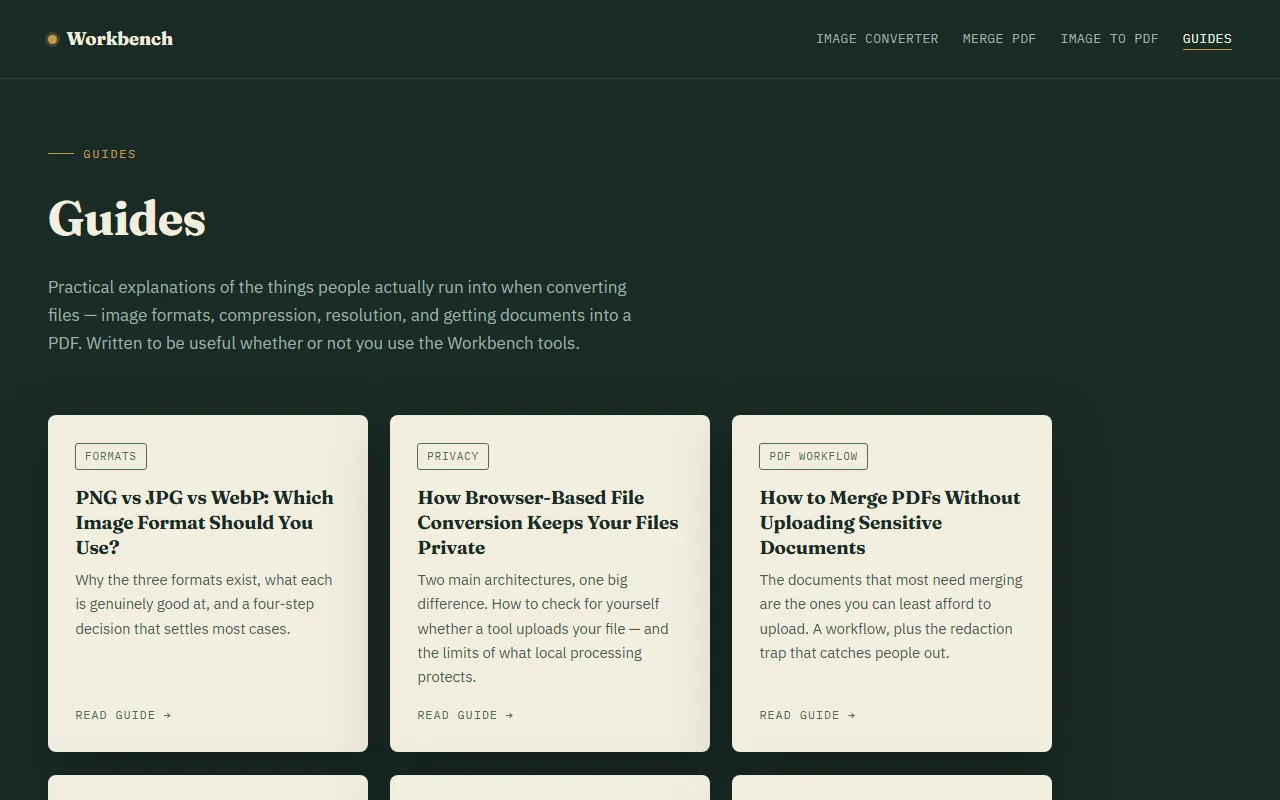
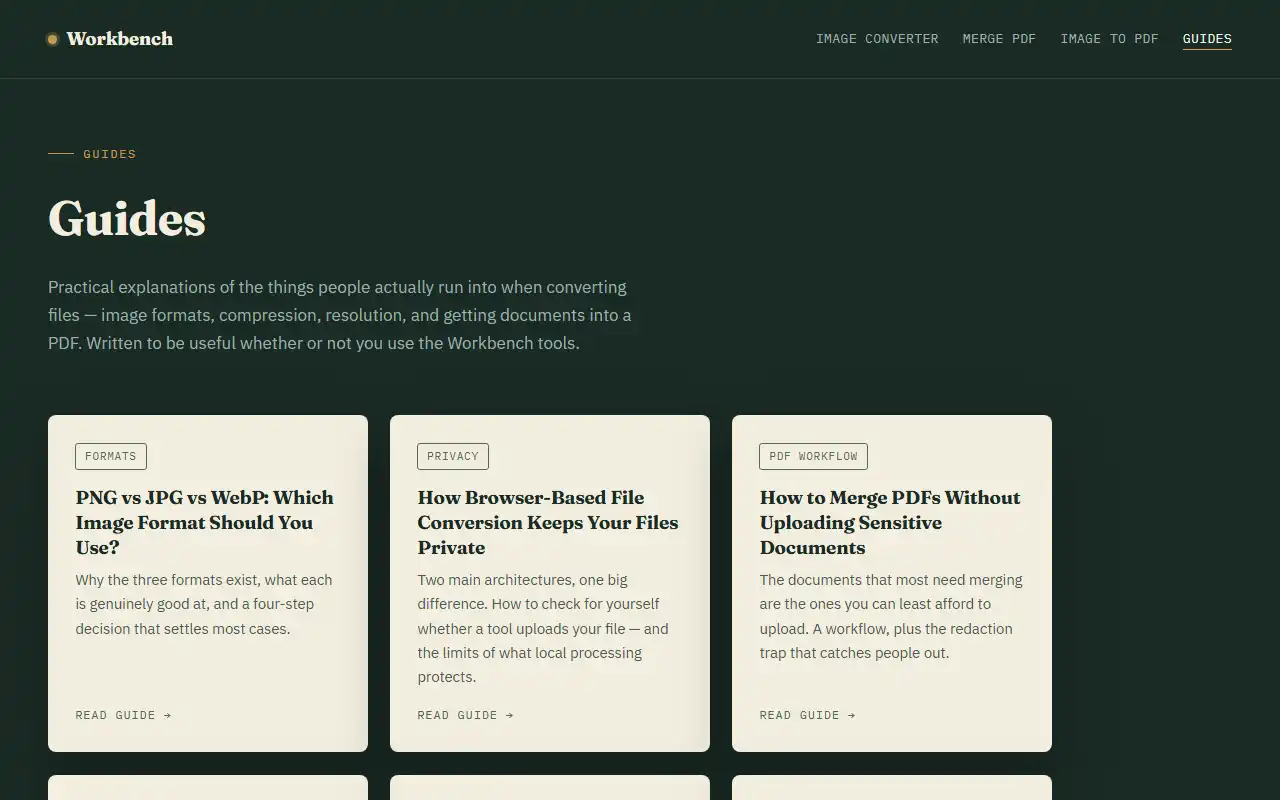
- Screenshot: the Workbench Guides page, captured at 1,280 × 800 pixels.
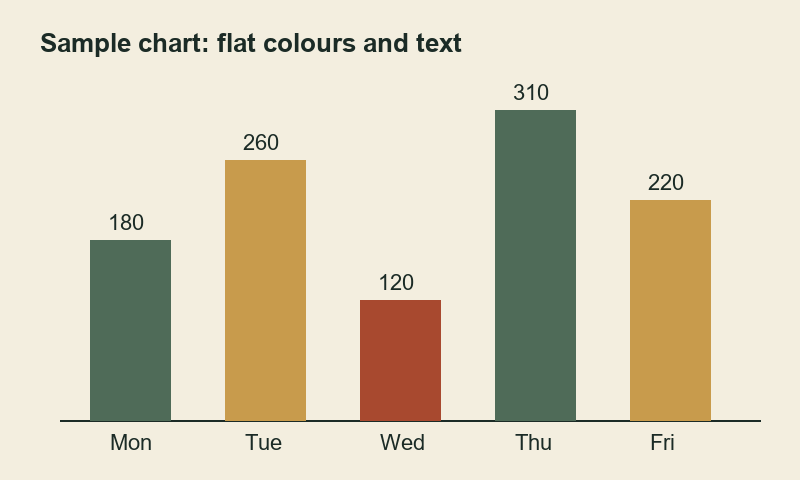
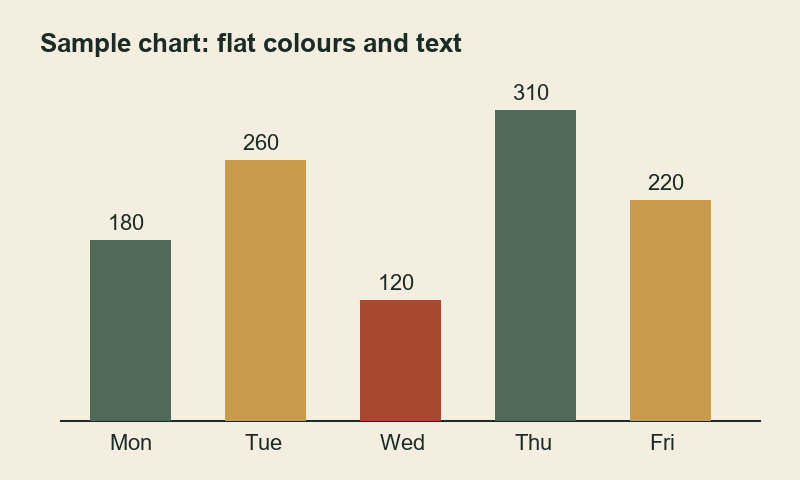
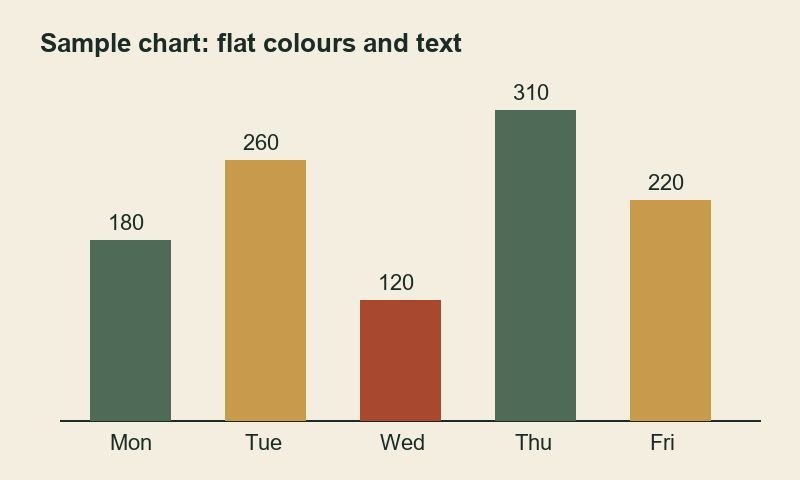
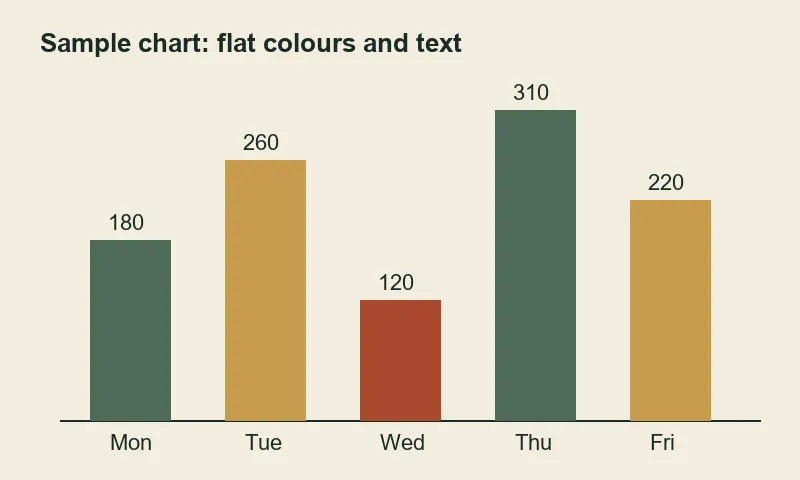
- Chart: an original 800 × 480 flat-colour graphic with text.
"PSNR" compares each lossy file with the lossless PNG of exactly the same pixels; higher means closer to the original. It is a rough objective measure and does not always match what the eye notices.
| Image | Format and setting | File size | PSNR | File |
|---|---|---|---|---|
| Photo 1000 × 2057 | PNG (lossless) | 3,650,845 B (3.48 MB) | reference | PNG |
| JPG, quality 0.8 | 171,219 B (167 KB) | 41.3 dB | JPG | |
| JPG, quality 0.5 | 82,173 B (80 KB) | 38.3 dB | JPG | |
| WebP, quality 0.8 | 85,814 B (84 KB) | 40.6 dB | WebP | |
| WebP, quality 0.5 | 47,144 B (46 KB) | 38.3 dB | WebP | |
| Screenshot 1280 × 800 | PNG (lossless) | 142,699 B (139 KB) | reference | PNG |
| JPG, quality 0.8 | 84,759 B (83 KB) | 32.4 dB | JPG | |
| JPG, quality 0.5 | 54,918 B (54 KB) | 30.6 dB | JPG | |
| WebP, quality 0.8 | 50,534 B (49 KB) | 33.3 dB | WebP | |
| WebP, quality 0.5 | 36,134 B (35 KB) | 32.3 dB | WebP | |
| Chart 800 × 480 | Original PNG, optimised by the Pillow image library | 15,561 B (15 KB) | same pixels as reference | chart-original.png |
| PNG written by the browser from the original | 26,133 B (26 KB) | reference | chart-browser.png | |
| JPG, quality 0.8 | 18,577 B (18 KB) | 39.5 dB | JPG | |
| WebP, quality 0.8 | 8,090 B (8 KB) | 41.6 dB | WebP |
What these particular measurements show:
- For the photo, the PNG was about 21 times larger than the JPG at 0.8, with no visible benefit at normal size. That is why photographs belong in a lossy format.
- WebP was about half the size of JPG at the same slider value, but the same number does not mean the same quality: at 0.8 the WebP scored slightly lower (40.6 against 41.3 dB). Compare results by looking at them, not by the setting.
- A smaller file was not guaranteed. The browser's PNG of the chart (26 KB) was larger than the optimised source (15 KB), and so was the JPG (18 KB). Re-encoding an already efficient PNG can make it bigger.
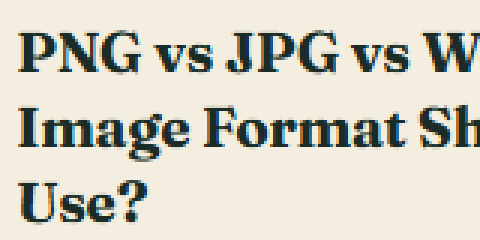
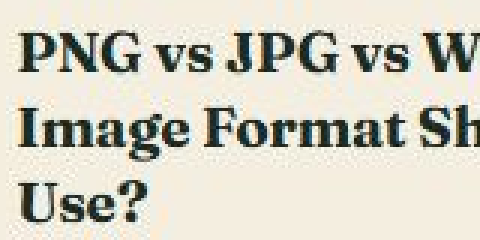
- The screenshot lost the most accuracy in lossy formats (PSNR about 31–33 dB, against 38–41 dB for the photo), because hard text edges are what lossy compression handles worst.
Close-up crops (enlarged 3×, no smoothing)
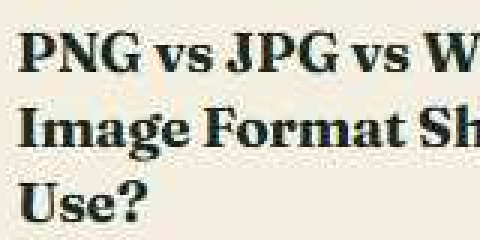
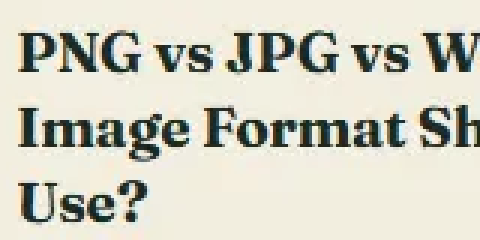
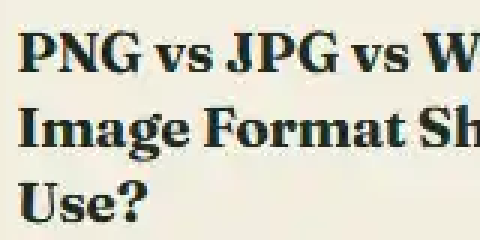
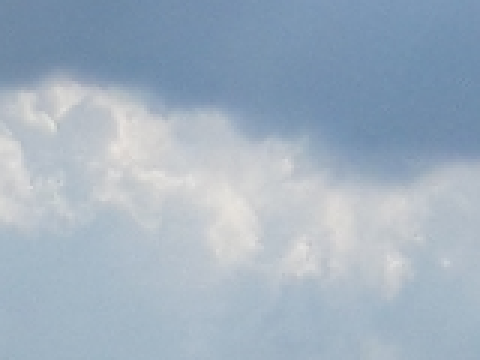
Each crop is a 160-pixel-wide area of the actual file, enlarged with nearest-neighbour scaling and saved losslessly so that the compression artefacts are shown as they are. At normal viewing size the differences are small; they are clearest around lettering.



A decision you can make in ten seconds
- Does any part of it need to be transparent? If yes, PNG or WebP. Stop here.
- Is it a photograph or a scan? If yes, JPG — or WebP if it is going on a website.
- Is it a screenshot, diagram, logo, or anything with text? PNG. WebP if file size matters more than universal compatibility.
- Still unsure? PNG is the safe answer. It never degrades the image; the only cost is file size.
The Workbench Image Converter handles all three formats in your browser, without uploading the file. It can also resize by width or height in the same step and shows the before-and-after size of every file, so you can compare formats on your own images.
Takeaway
- PNG is lossless and excels at flat colour, sharp edges, and text. Photographs make it enormous.
- JPG is lossy and excels at photographs. It has no transparency and it damages text and hard colour edges.
- WebP covers both cases and is usually smaller, with encoding support less universal than display support.
- Match the format to the content, not to how much you care about the image.
- Lossy damage is permanent. Keep your originals and convert from them, not from a converted copy.